Automations
Rules that act by themselves: when a lead arrives, reaches a stage, or hasn't been answered, do these steps.
An automation is a rule of the form “when this happens, do these steps, each after a wait”. It saves you remembering the small things: assign the lead, email them, set a follow-up, nudge you if no one has answered.
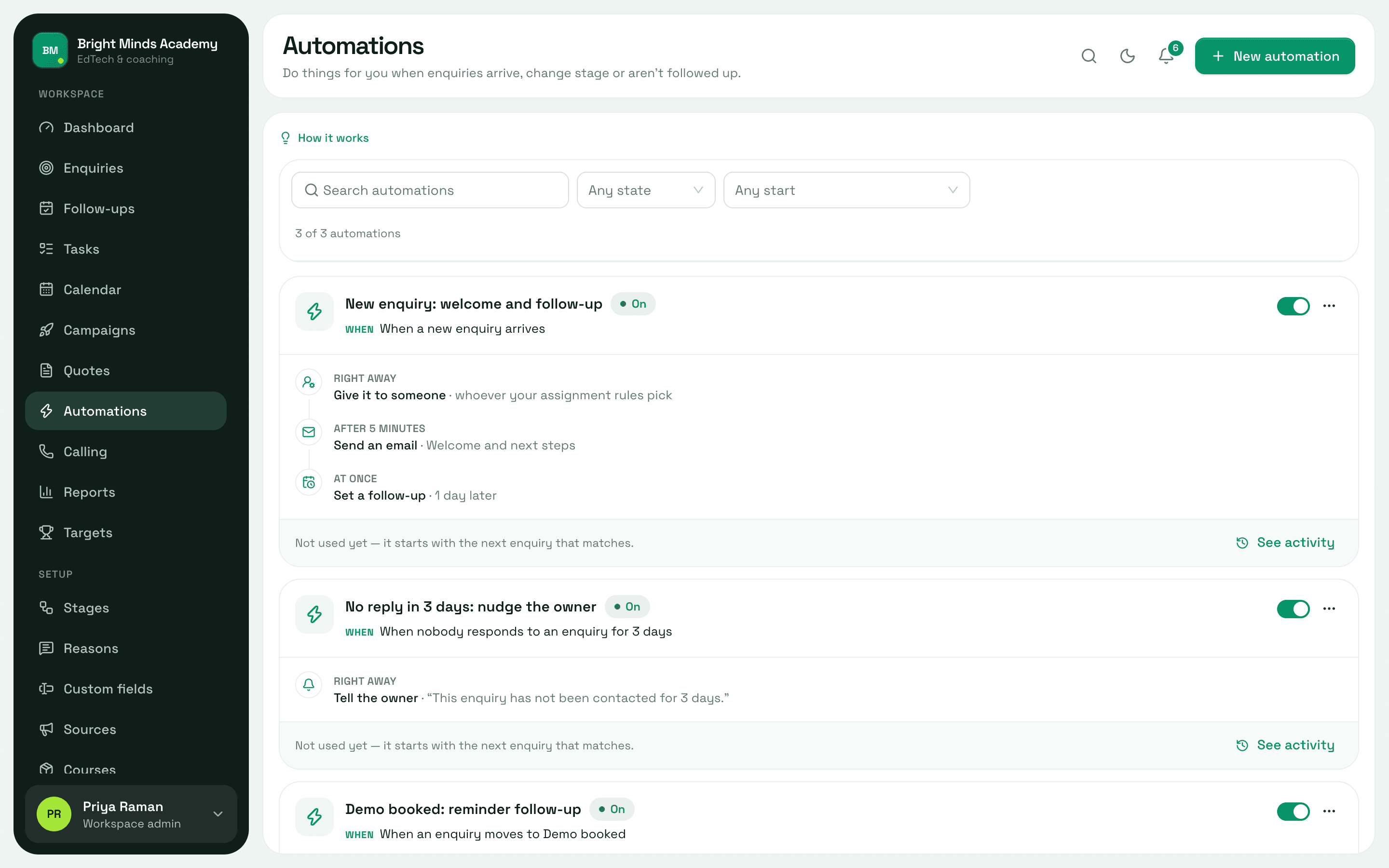
Open Automations. Each rule appears as a card in plain words with an on/off switch, a ⋯ menu (See activity, Edit, Delete) and counts: waiting, done, stopped, didn't work. A workspace can have up to 20 rules.
In this section
Triggers: when it startsThree ways an automation can begin.Steps: what it doesUp to 8 steps, each with a wait before it and one action.An example, step by stepA welcome sequence for new web enquiries.Stop when they replyA reply ends the sequence, so you never keep emailing someone who is already talking to you.See who it acted onCheck what an automation did and why a run stopped.
Something missing or unclear? Tell us and we will fix this page.