Quotes sent and then forgotten
Send a quote as a link with items, discount and GST. See when it was viewed, and follow up while they are still deciding.
Keep every trip enquiry, itinerary and payment follow-up in one list, so a traveller is never left waiting for a quote.
15 days free. Nothing to install.
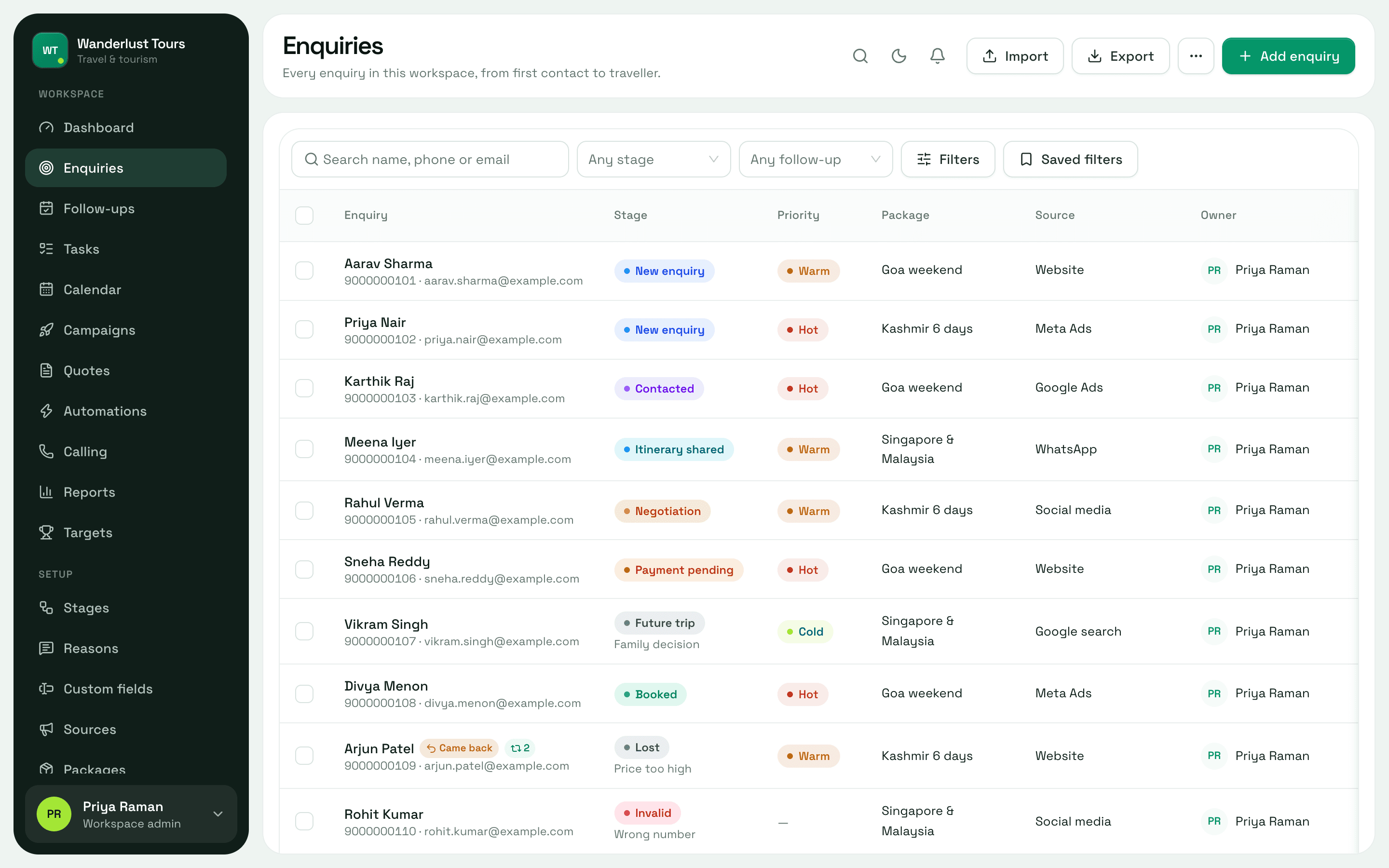
Choose your industry when you sign up and every screen, report and email uses the words your team already says.
A new workspace starts with these stages. Rename them, reorder them or add your own whenever you like.
When a lead is put on hold or lost, the CRM asks why. Starting reasons include Dates not fixed, Booked elsewhere, Price too high and Timing, so your reports show where you lose people.
Send a quote as a link with items, discount and GST. See when it was viewed, and follow up while they are still deciding.
Tag campaigns on your ads and emails. Reports show which offer produced enquiries and bookings.
Move the traveller to Future trip with a follow-up date. They come back on your list when it is time to ask again.
Add each departure with its seat count. The Departures report shows enquiries, bookings and seats filled.
This is how a typical lead moves through VisionSage CRM.
Yes. Attach PDFs or images to an email or to a template. Files go as real attachments when they fit the sender's limit, and as a download link when they are too big.
Yes. A quote link records when the customer first viewed it, and when they accepted or declined it.
Yes. Campaigns send an email template to the leads you filter (for example, everyone who asked about Goa), and report clicks and form fills.
Yes. Every new workspace starts with a 15-day free trial, so you can try it on your own leads before you pay anything.
Not your industry? Coaching & training, Schools & colleges, Real estate, Healthcare & clinics, Finance & insurance. VisionSage CRM also works for any sales team.
Leave your details and someone from our team will call you back, usually within a working day, and show you VisionSage CRM running on how you work.
By sending this, you agree to our Privacy Policy.