Enquiries that never become appointments
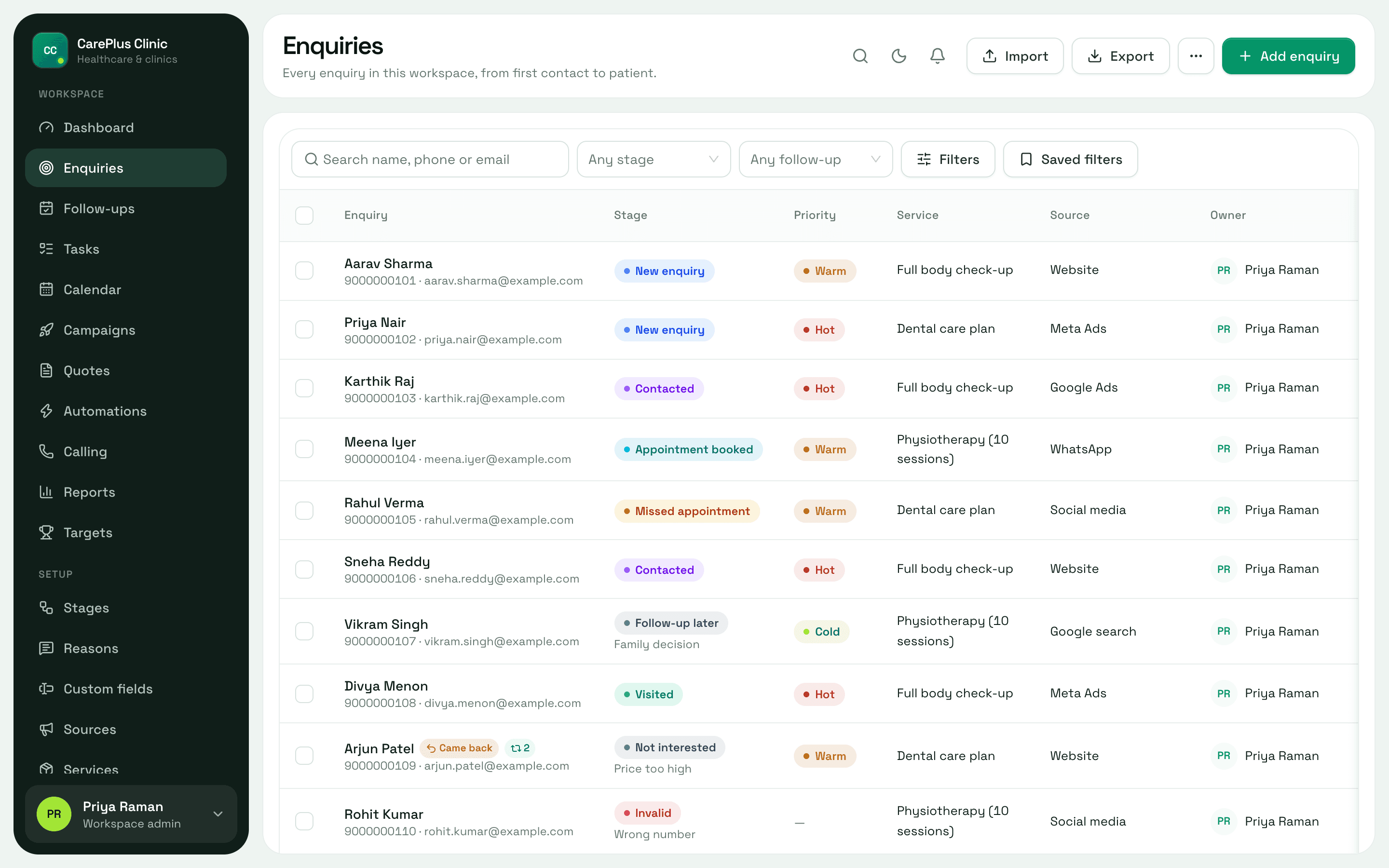
Phone, website and ad enquiries are in one list with a follow-up date, so the front desk knows who to call back today.
Turn enquiries into booked appointments, remind patients who missed one, and see which health camp or ad brought people in.
15 days free. Nothing to install.
Choose your industry when you sign up and every screen, report and email uses the words your team already says.
A new workspace starts with these stages. Rename them, reorder them or add your own whenever you like.
When a lead is put on hold or lost, the CRM asks why. Starting reasons include Treated elsewhere, Family decision, Budget later and Wrong number, so your reports show where you lose people.
Phone, website and ad enquiries are in one list with a follow-up date, so the front desk knows who to call back today.
Move a patient to Missed appointment and set a follow-up. An automation can send a reminder email and nudge the owner.
Every enquiry carries its source and campaign. Reports show which source gave appointments, not only enquiries.
People see their own enquiries by default. Roles decide who can export, delete or change settings, and the activity log records changes.
This is how a typical lead moves through VisionSage CRM.
Yes. Every email carries an unsubscribe link, and a patient who unsubscribes (or is marked Do not email) can't be emailed again.
People only see their own enquiries unless you give them wider access. Admins can see an activity log of every change. See Security and privacy in the docs.
Yes. Copy the generated form (HTML, React or API) onto your site and every submission becomes an enquiry with its source.
Yes. Every new workspace starts with a 15-day free trial, so you can try it on your own leads before you pay anything.
Not your industry? Coaching & training, Schools & colleges, Real estate, Travel & tourism, Finance & insurance. VisionSage CRM also works for any sales team.
Leave your details and someone from our team will call you back, usually within a working day, and show you VisionSage CRM running on how you work.
By sending this, you agree to our Privacy Policy.