Follow-ups
Your daily work list: what is late, what is due today, and what is coming up.
Open Follow-ups in the menu. It is the page to start each day with. It lists the open leads that have a next-follow-up time, soonest first, in three tabs:
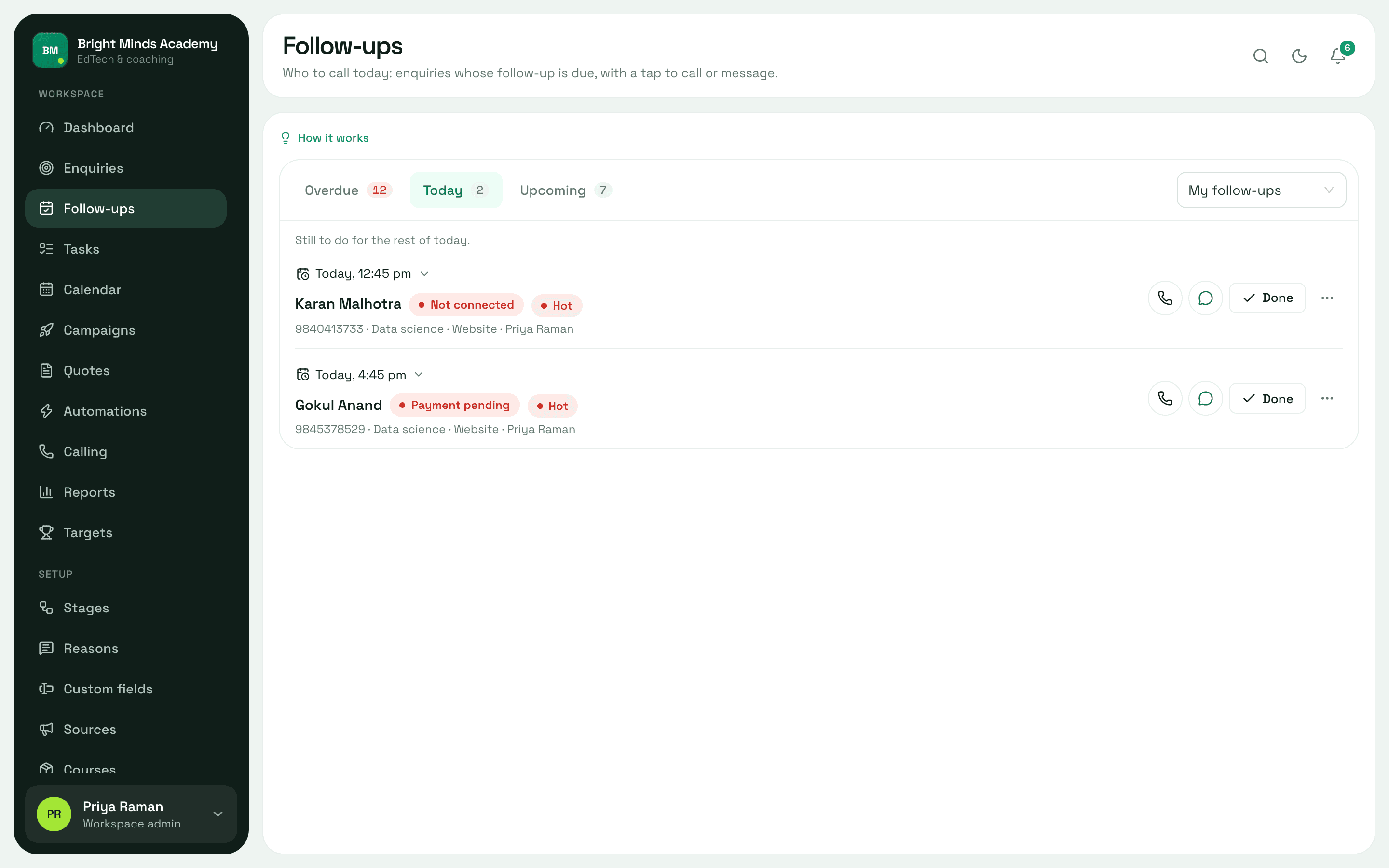
| Tab | Shows |
|---|---|
| Overdue | The time has passed and nothing was done |
| Today | Due today |
| Upcoming | Due later |
Each tab shows its count. By default you see your follow-ups. People who can view all leads can switch to everyone's.
On each row
- The time: tap it to move the follow-up.
- Call and WhatsApp buttons.
- Done: clear the follow-up.
- ⋯ menu: log a call, or open the lead.
Only open work appears: leads in a New, Active or Nurture stage. Won, Lost and Junk leads are finished.
In this section
Read next
Something missing or unclear? Tell us and we will fix this page.